
B2B Backbone adapter/module
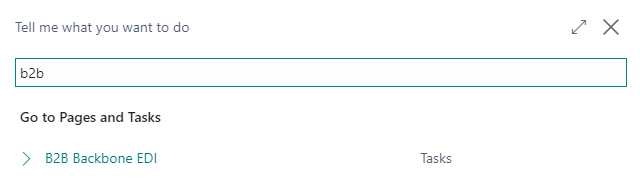
B2B Backbone EDI is placed under role center ”Sales Order Processor”:

You can search for it no matter where you are placed in BC:
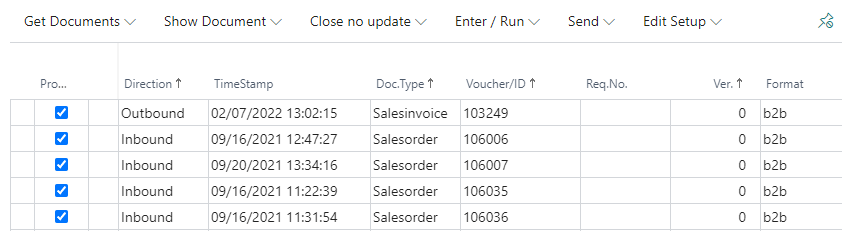
In the B2B Backbone-adapter, you find the menus under Related. You can pin the action bar, so it’s shown default, when you enter the B2B Backbone menu:

In the following each submenu will be described.
Submenus
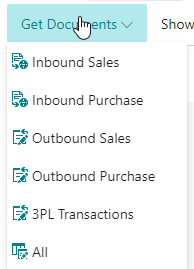
Get Documents
Showing all documents ready for exchange - All together or in different filtered views
Show Document
Inbound documents: You will be directed to Link on an overview page showing the specific document.

Outbound documents: Showing the posted document in BC.
Close no update
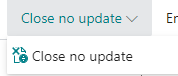
The document is closed without entering it in BC.
B2B Backbone: The document is removed from “Afventer” in the B2B app.
Link: The status in Link changes from Outbox to Completed.
Enter/Run
Choose Run/enter marked
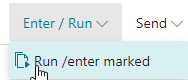
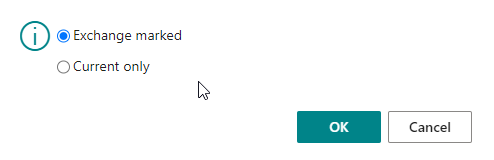
And afterwards “Exchange marked” or “Current only” (the line, the curser is placed on). NB! We recommend that you don’t pick individual documents for outbound exchange, as you risk.
When the exchange has been done, a box with status shows up:
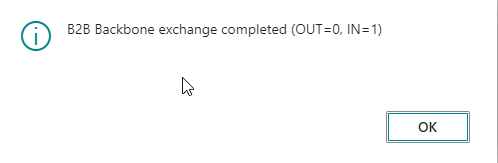
NB! When the exchange has been done, you need to leave the B2B menu, as the exchanged journal number is registered when activating the adapter.
Send
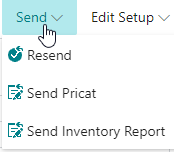
Under Send you can choose previously posted document to resend.
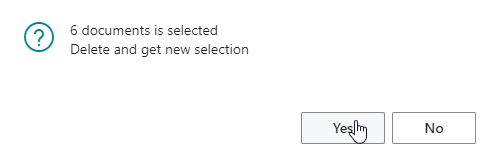
NB! Say Yes at following box, as it’s only a reload of the view of documents.
Afterwards choose the document type to resend:
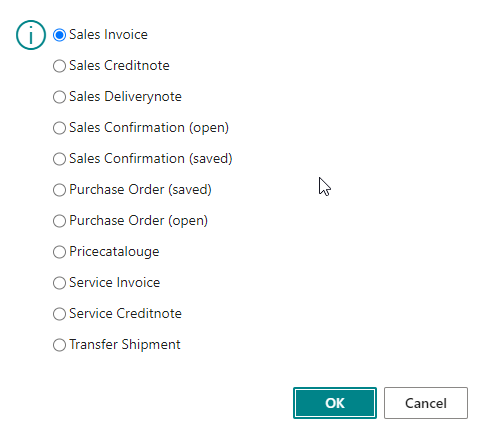
And you get access to resend already posted documents to customers set up for EDI exchange.
When the file is chosen, it will be shown in the document view, and you can say Enter/Run
Edit Setup:
Under Edit Setup the EDI partners are setup.

The partner setup is in reality placed in the B2B Backbone backend, but can be edited in BC.